Free · Chrome · Bring your own key

Chat with your browser. It gets the work done.

A side-panel AI agent that reshapes sites, pulls data, works across tabs and automates repeat tasks. It runs in your browser with your own API key.

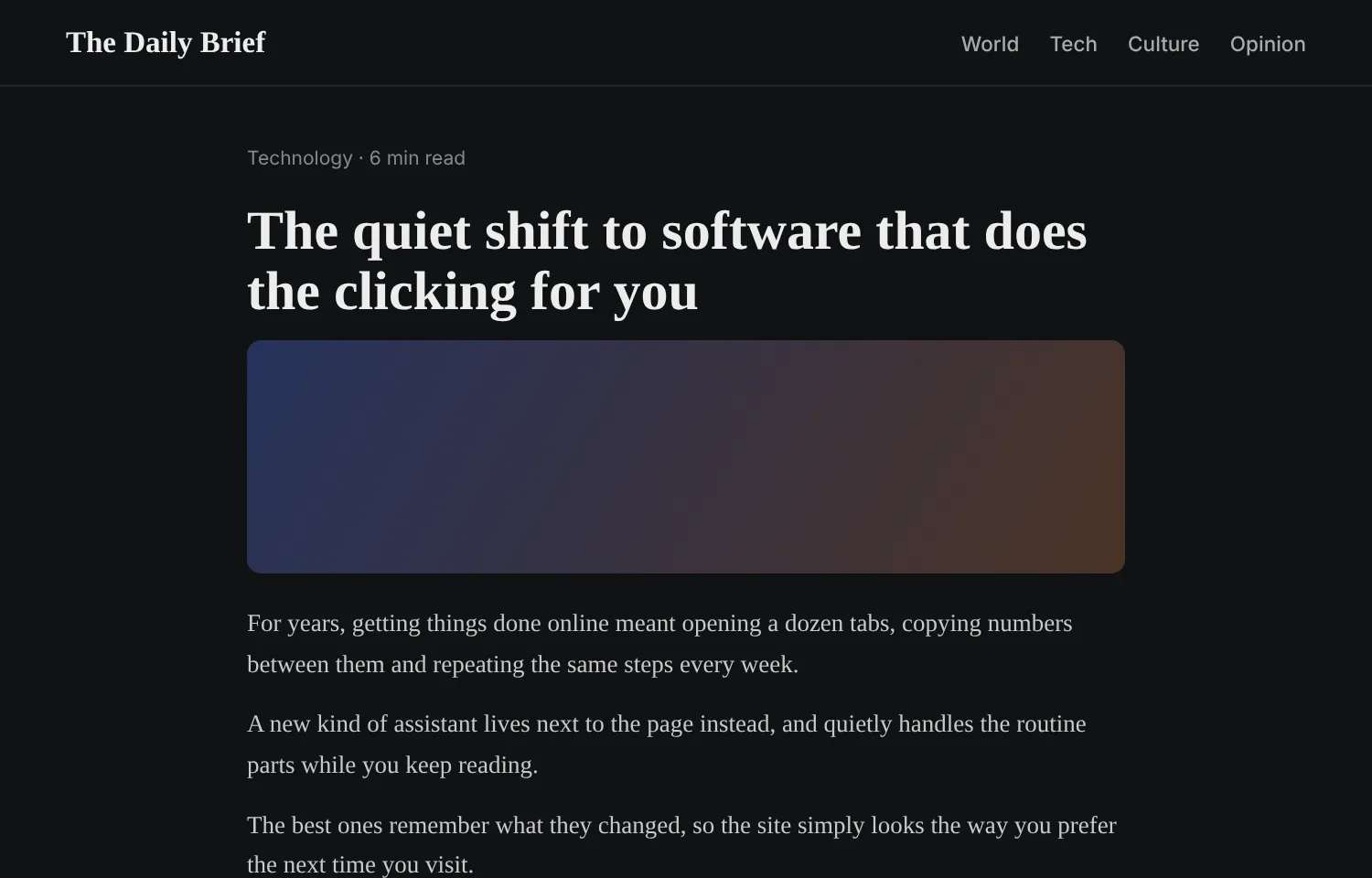
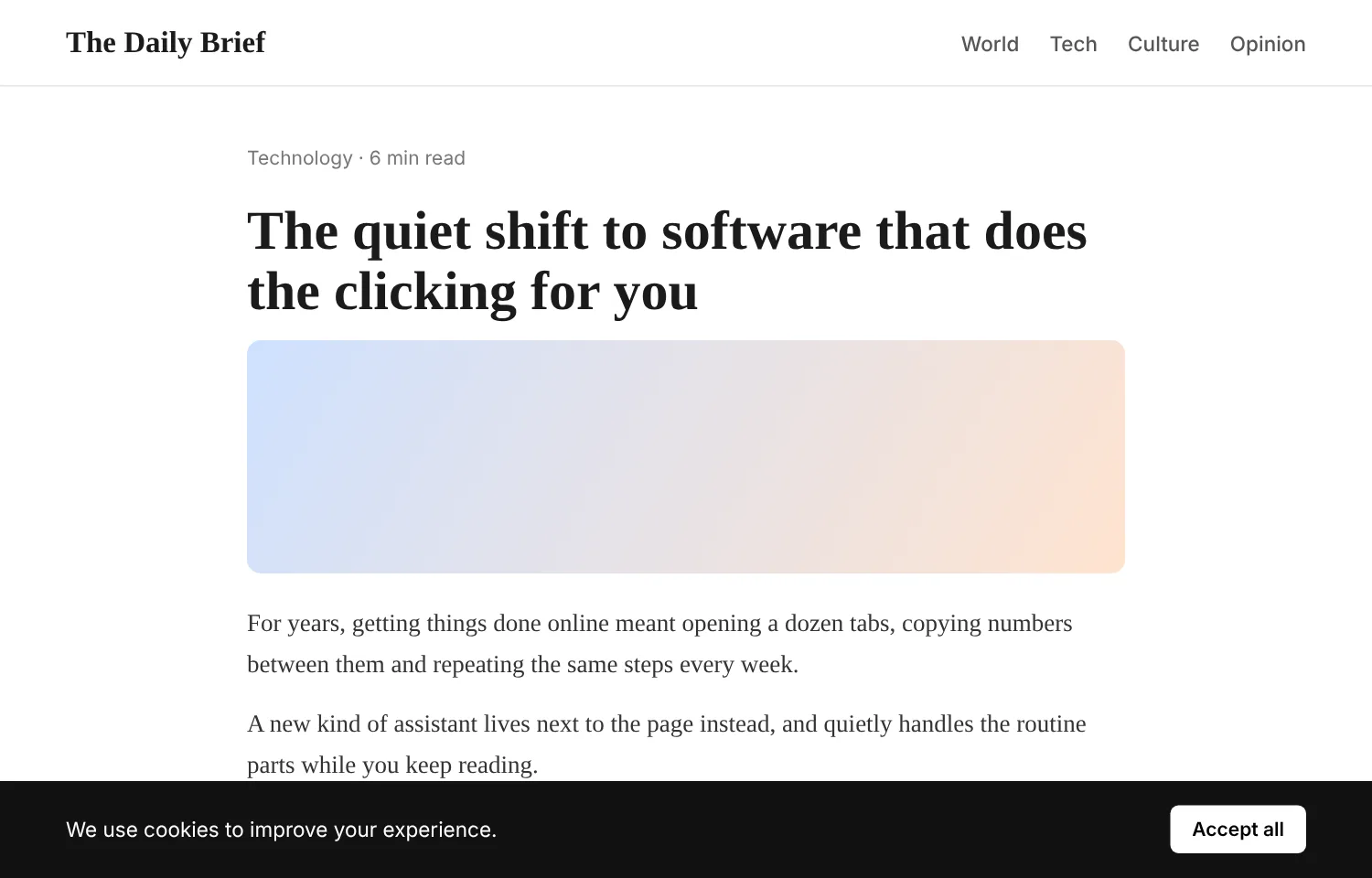
thedailybrief.example
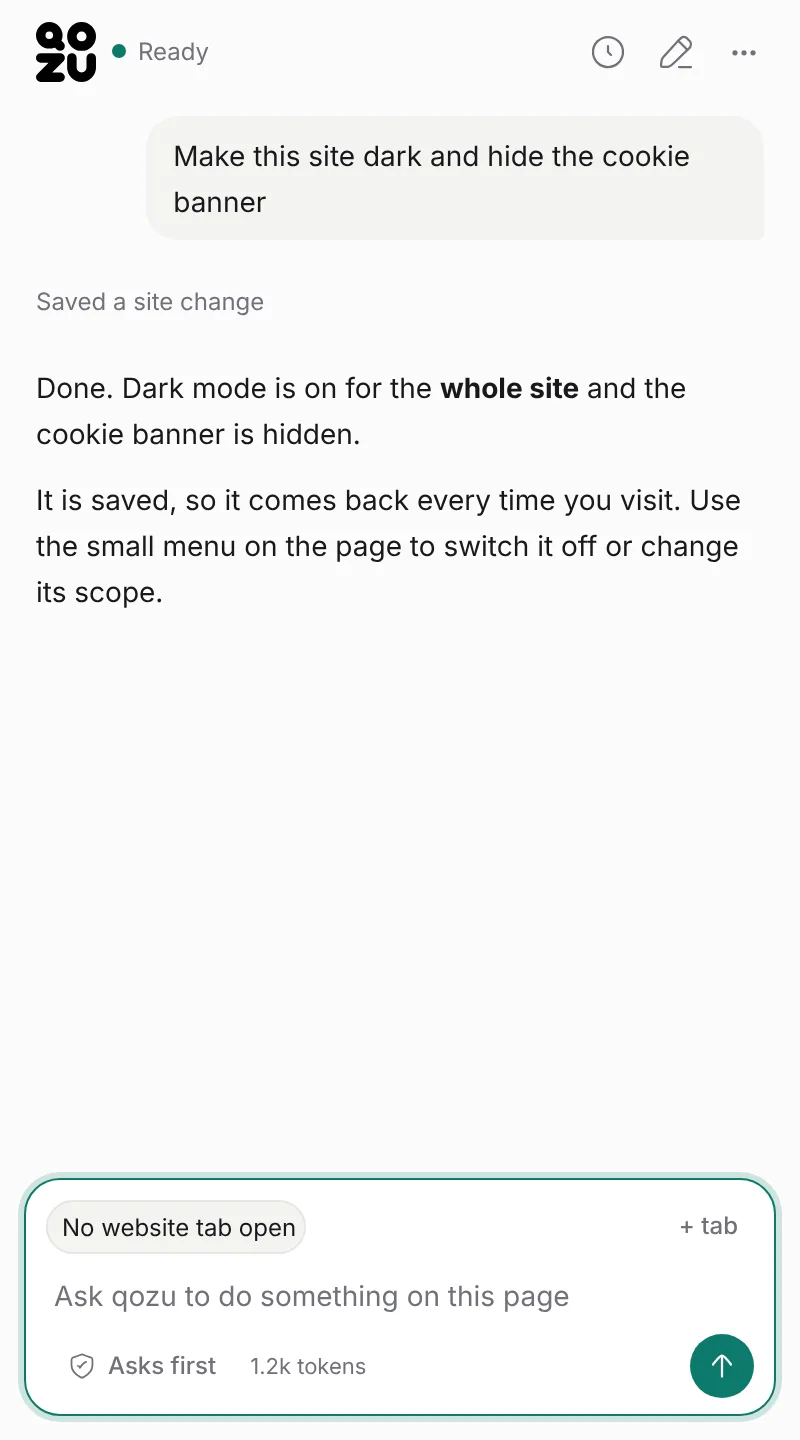
The qozu side panel

One task, start to finish
01

You ask

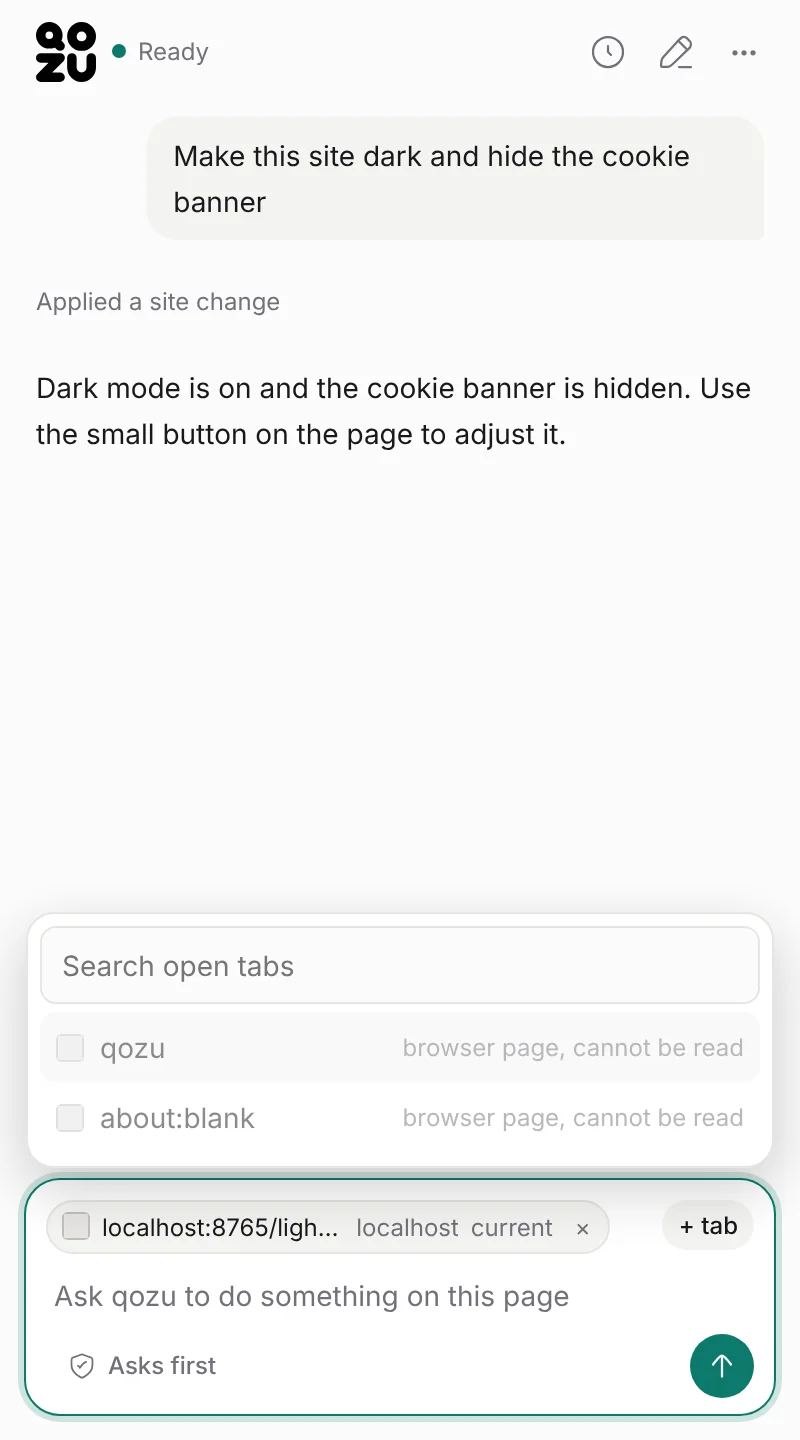
Type it the way you would say it: "Make this site dark with larger text."

02

qozu reads the page

It starts with a compact outline of the page, not a screenshot, so it spends few tokens.

03

The page changes

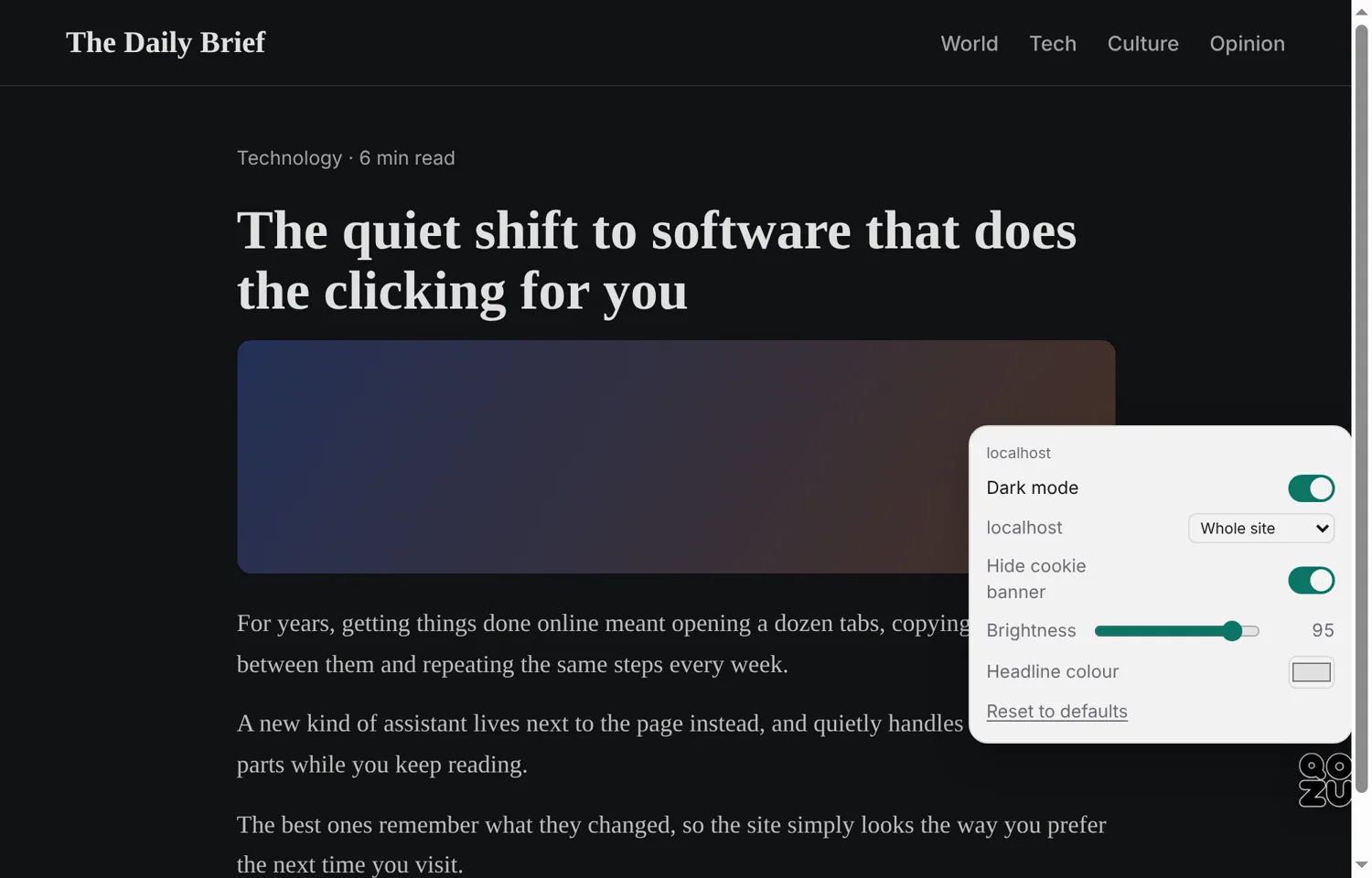
Dark mode and larger text are applied to the live page, for the whole site, a section or one page.

04

It is saved

The change comes back on every visit. A small menu on the page lets you switch it off or change its scope.

The qozu side panel after the task
What you can ask for

Real tools, shown as they look.

Edit live sites in qozu

Edit live sites

Dark mode, bigger text, cleaner layouts. The small button on the page adjusts it, with no AI involved. Saved changes come back on every visit.

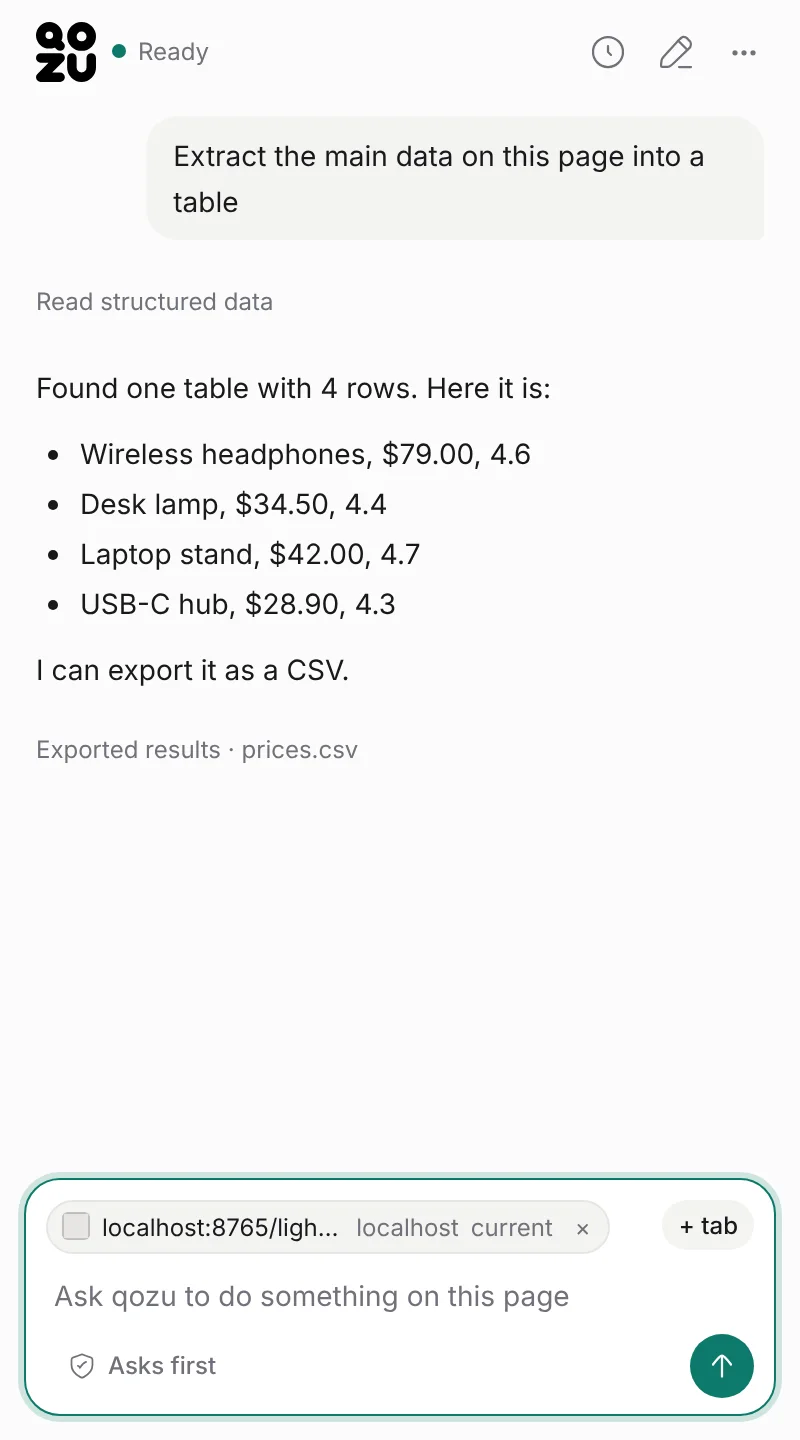
Extract data in qozu

Extract data

Tables, prices and lists to a CSV or a summary.

Work across tabs in qozu

Work across tabs

Add tabs to the chat and compare or combine them.

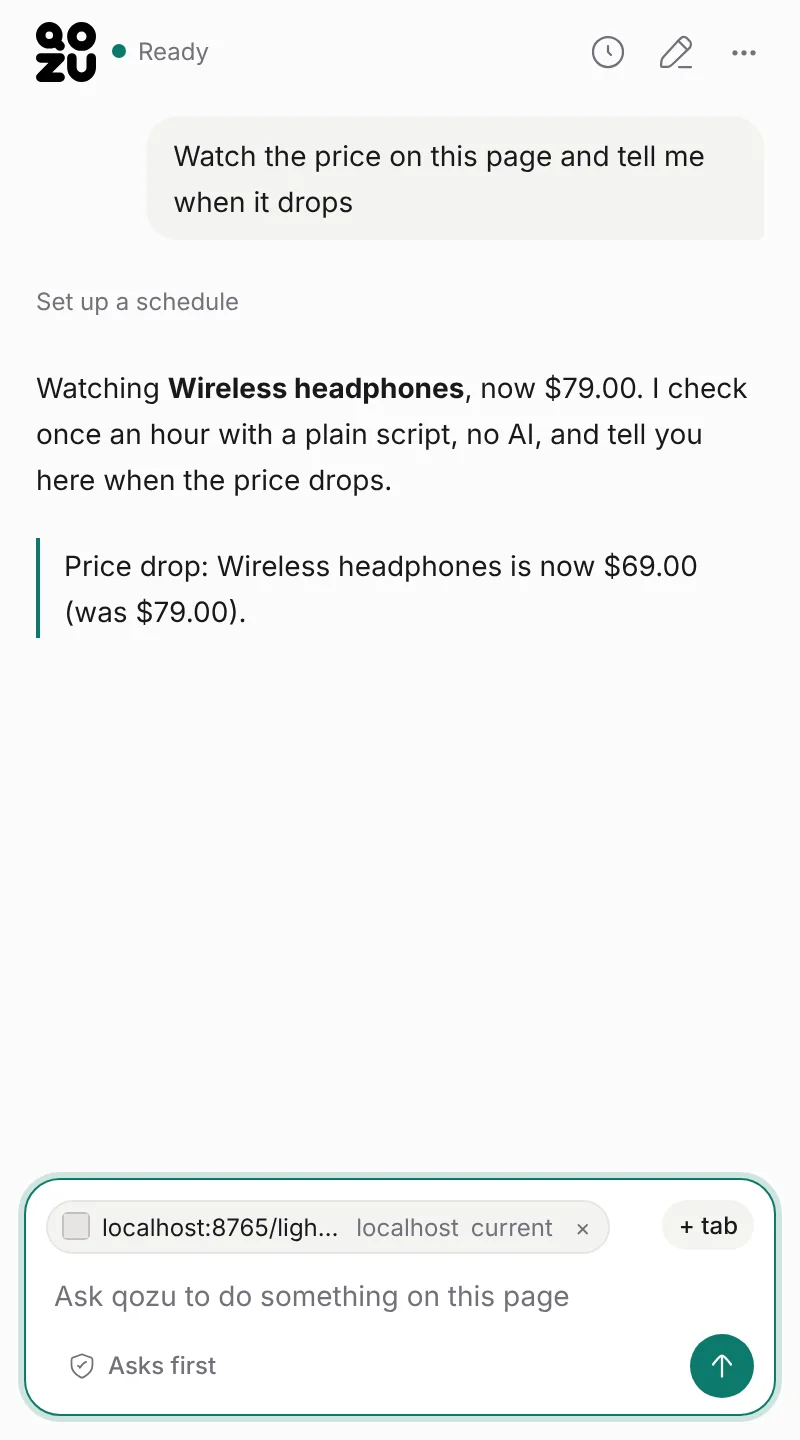
Monitor prices in qozu

Monitor prices

Repeat jobs replay recorded steps on a schedule. AI only steps in to repair a break.

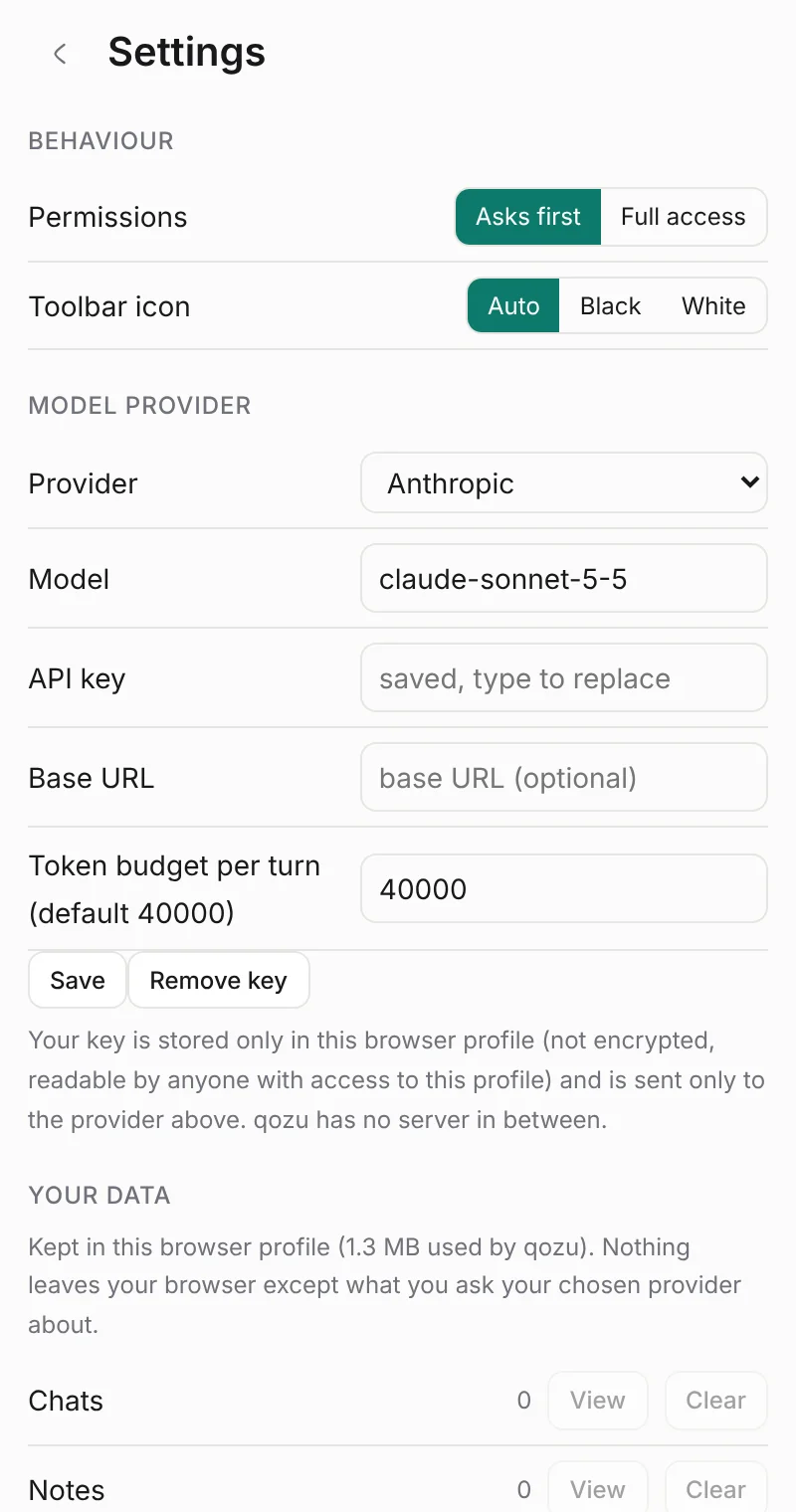
Bring your own AI in qozu

Bring your own AI

Paste a key from OpenAI, Anthropic or Google, or any compatible endpoint. Requests go straight from your browser to your provider, after you agree to a one-time notice.

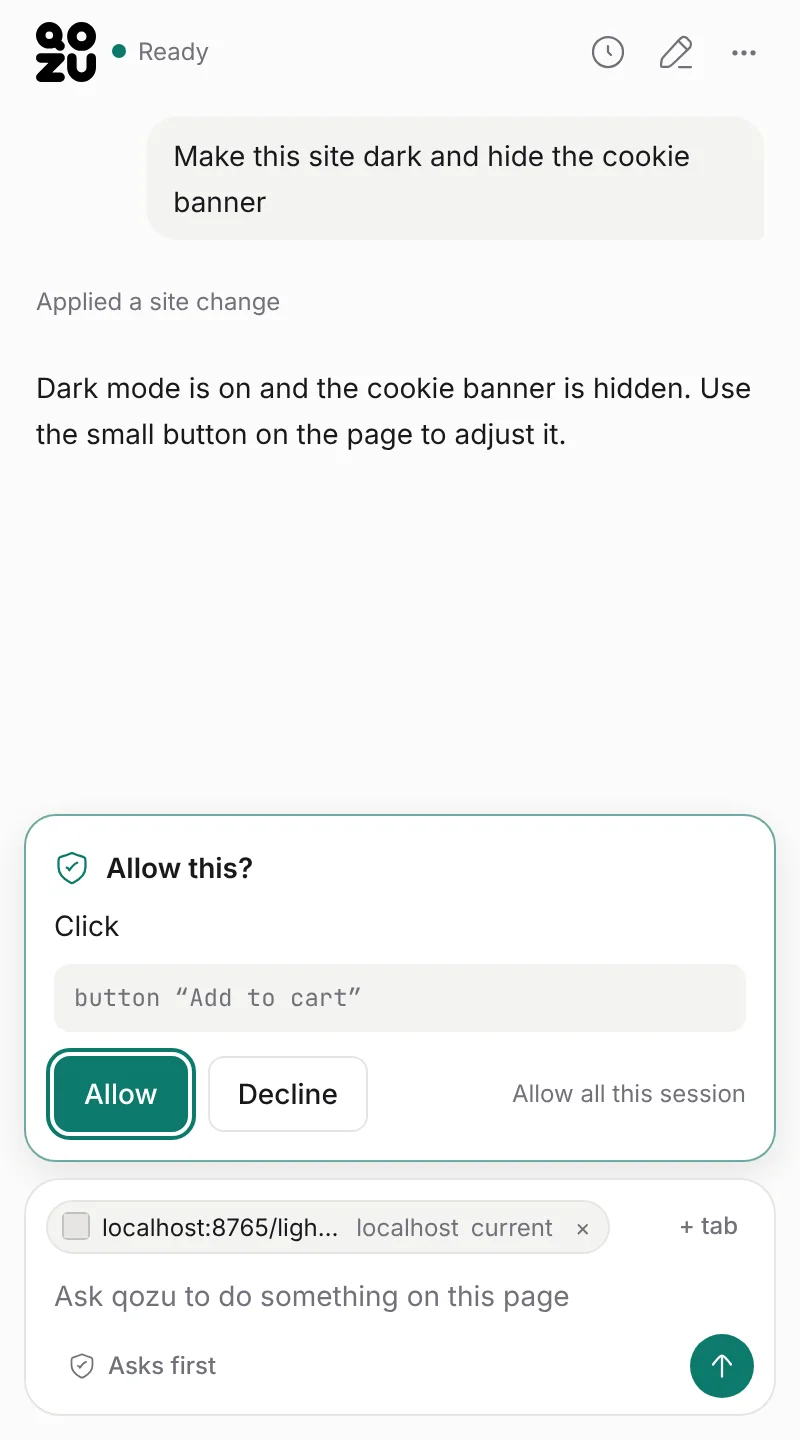
You decide what it may do in qozu

You decide what it may do

"Asks first" shows every action before it runs. "Full access" runs without asking.

Your data stays here in qozu

Your data stays here

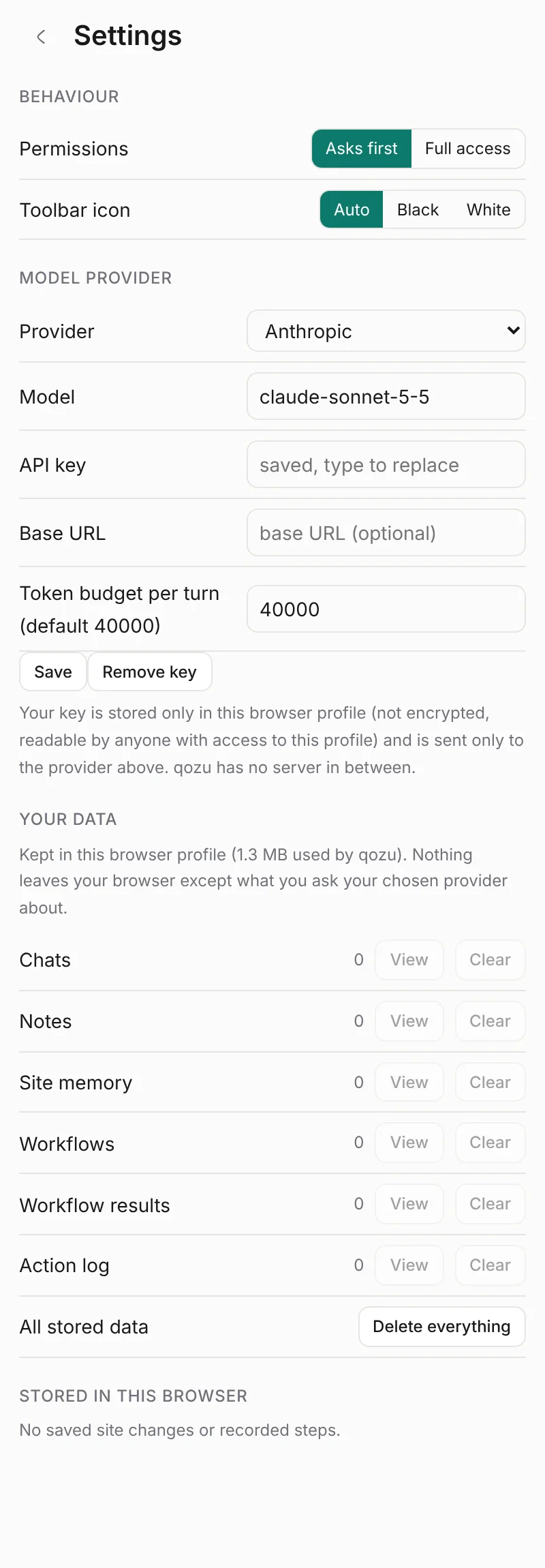
Your key, chats, notes and action log live in your browser profile. See and clear them in Settings.

How it stays cheap

It tries the cheapest step first.

qozu climbs a ladder and stops at the first rung that gets the job done. Images are not sent to a model.

  1. 1

    Saved recipes

    Anything it has done before is replayed from a saved recipe. No model call.

  2. 2

    Structured page data

    Tables, JSON-LD and the data the page already requested. The cheapest way to get prices and lists.

  3. 3

    A compact outline

    Headings, visible text and controls in about 1,500 tokens.

  4. 4

    Heavier methods

    The accessibility tree, for app-style pages. Only when the cheaper steps cannot do it.

What it does and doesn't do

Plain facts.

PagesRead as a compact text outline. Images and screenshots are not sent to a model.
Where it runsIn your browser. Nothing to install beyond the extension, and no qozu server.
Your dataChats, notes, saved changes and the action log live in your browser profile.
Repeat jobsReplay recorded steps on a schedule without calling AI. AI is used again only if a step breaks.
AccountNo qozu account. You bring your own API key (OpenAI, Anthropic, Google or compatible). Your messages and the page parts a task needs go to that provider after you agree to a one-time notice.
ControlAsks first shows every action and waits for your OK. Full access runs without asking.

Install

  1. Add qozu to Chrome Open the qozu page in the Chrome Web Store and press Add to Chrome.
  2. Open the side panel Click the qozu icon in the toolbar.
  3. Paste your API key Pick a provider and paste your own key in Settings. It is stored unencrypted in this browser.
  4. Agree to the notice, then ask Before the first request, qozu asks you to agree that your messages and the page parts a task needs go to your chosen provider. Then chat about the page you have open.

FAQ

Is it free?

qozu is free. You pay your AI provider for what you use, with your own key.

Which AI does it use?

Your choice: OpenAI, Anthropic, Google, or any OpenAI-compatible endpoint. There is no qozu account.

Where does my data live?

In your browser profile. Your key is stored there too, unencrypted, readable by anyone with access to the profile. qozu has no servers.

Does it send screenshots?

No. Images and screenshots are not sent to a model. Pages are read as text.

Why does it need access to all sites and the debugger?

You decide which page to act on, so it cannot know in advance. The debugger permission lets Chrome read app-style pages through the accessibility tree and click or type for you. It is powerful: leave Asks first on if you want to approve each step.

Does anything go to a qozu server?

No. There is no qozu server or account. Your messages and the page parts a task needs go from your browser to the provider you chose, only after you agree to a one-time notice.

What browsers?

Chrome.

More in the privacy, permissions and support pages.

Try qozu on the page you have open.

Free. Runs in your browser, with your own API key.

Add to Chrome